MC762485 Microsoft SharePoint Premium: Use Content query on document library columns
Primary service: SharePoint
ChangePilot summary
- SharePoint Premium users will gain enhanced content query capabilities for more Document library column types.
- The update applies to both new and existing libraries, with all columns becoming searchable after the feature is enabled.
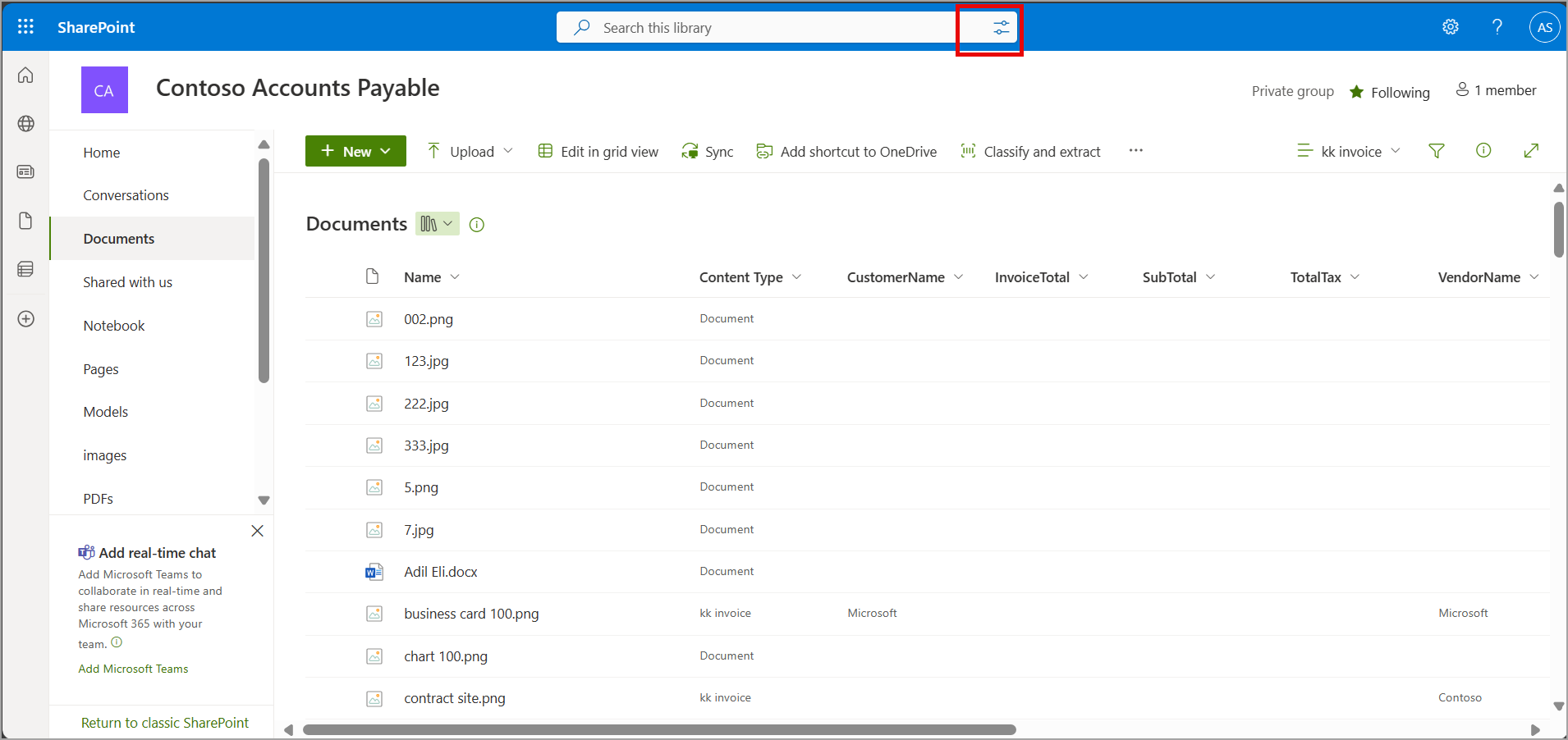
- Users can access the 'Content query' feature via an icon in the search box at the top of the Document library page.
- There will be no additional pay-as-you-go charges for using the 'Content query' functionality.
- No administrative action is required for the rollout, but informing users and updating documentation is recommended.
History
Recorded changes
No changes recorded since ChangePilot first saw this post.
Microsoft message
Updated May 17, 2024: We have updated the rollout timeline below. Thank you for your patience.
Coming soon: Customers who use Microsoft SharePoint Premium pay-as-you-go services will be able to use content query on more Document library column types.
This message is associated with Microsoft 365 Roadmap ID 387773.
[When this will happen:]
General availability (Worldwide): We will begin rolling out early April 2024 and expect to complete by mid-June 2024 (previously early May).
[How this will affect your organization:]
After the rollout:
- If a user creates a new library on a SharePoint site and adds content to the library, the user can later select the Content query icon in the search box at the top of the page to search more of the columns than before rollout.
- For existing libraries, if a user selects the Content query icon in the search box, we will make all columns in a library available in the Content query search. In a few days, the user will be able to query all columns in that library with the Content query icon.
You will not be charged pay-as-you-go for the Content query functionality.
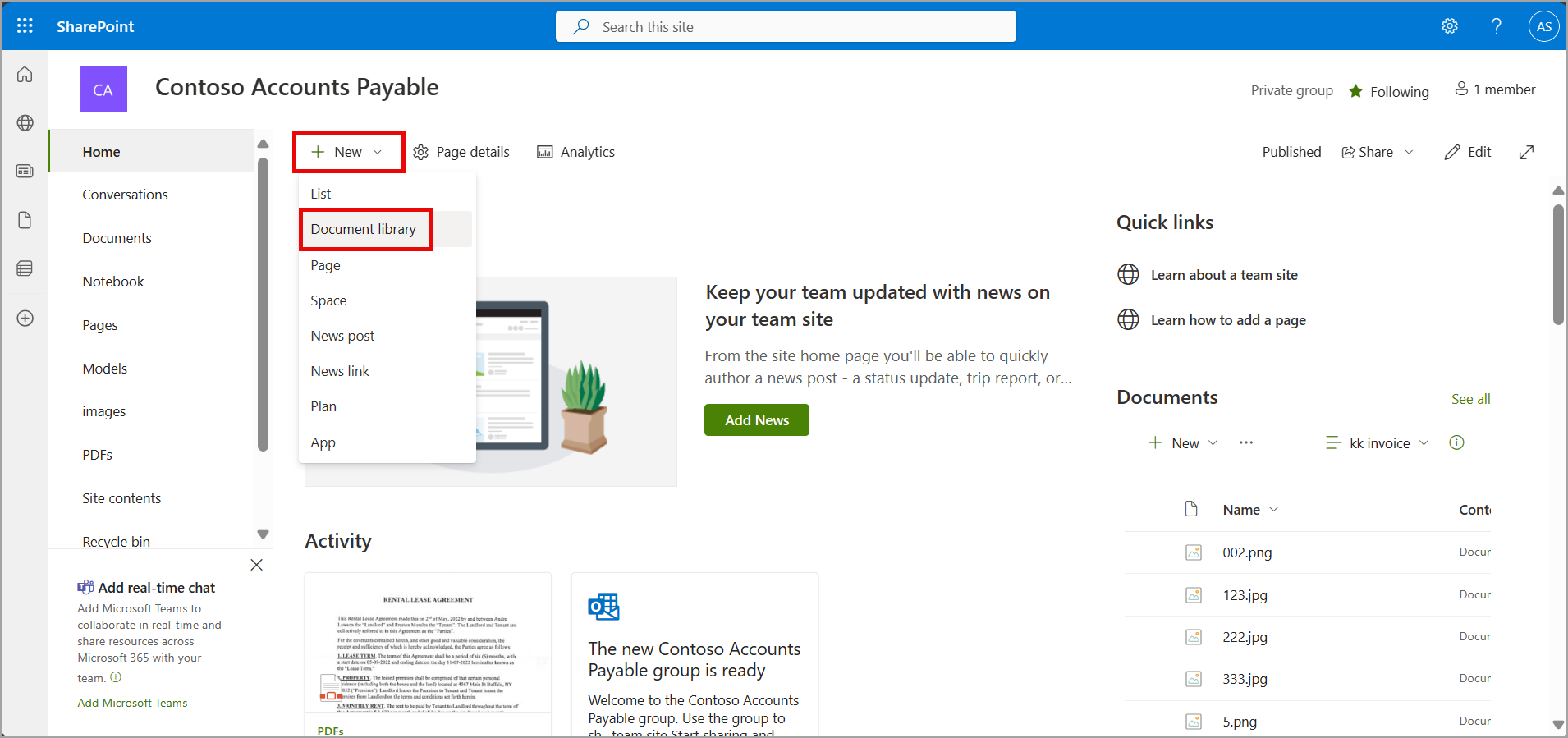
Libraries created in a SharePoint site will benefit from this feature:
Users can query library columns by hovering on the document library search box and selecting the Content query icon:
[What you need to do to prepare:]
This rollout will happen automatically by the specified date with no admin action required before the rollout. You may want to notify your users about this change and update any relevant documentation as appropriate. We will update this comm before rollout with revised documentation.
More information
Details
Platforms
- Web
Services
- SharePoint
Microsoft tags
- New Feature
- User Adoption