MC1454108 Microsoft 365 Copilot app update: Simpler Copilot access
Primary service: M365 Copilot
ChangePilot summary
- Microsoft is simplifying the Microsoft 365 Copilot app into a single app experience across personal and work accounts, with updated visual cues to help users distinguish account types.
- The app will adopt a simpler name and icon, and the web URL will change from m365.cloud.microsoft to copilot.cloud.microsoft with automatic redirection.
- Windows and Mac desktop apps will receive an updated architecture to support future enhancements.
- Admin controls, enterprise security/compliance, and existing application ID behavior remain unchanged, but admins should review Recall filtering, user communications, and internal documentation.
- If your tenant allows personal Microsoft accounts, users may also sign in with Apple or Google credentials for personal account access.
Latest update: No material change.
What it means for you
What admins need to do
Review the new Copilot app branding and URL change with your helpdesk and user communications teams so they can explain the updated name, icon, and redirect behavior. If you use Recall app/website filtering, update the policy so it continues to cover the new Microsoft Copilot app. If you want to validate the updated Windows and Mac experience before broad rollout, prepare a small test group and watch for Microsoft’s opt-in instructions. Consider whether to enable the branded footer for Entra ID users when that feature is available.
Impact on users
Users will see a refreshed Microsoft Copilot app name and icon, clearer indicators for work versus personal accounts, and a new web URL that redirects automatically. In organizations that allow personal accounts, users may also see additional sign-in options. The core security, compliance, and enterprise controls stay the same.
If you miss it
If IT does nothing, users may be surprised by the new app name, icon, and URL change and may contact the helpdesk with questions. Any Recall filtering policy aimed at the old app name may stop working as intended, which could leave the new app unfiltered in snapshots until the policy is updated. Documentation and training materials that reference the old name or URL will become outdated.
- Admin controls available
- Yes
History
Recorded changes
- Standard start: early September 2026.
Microsoft message
Updated August 21, 2026: We have updated the timing below for the URL redirect to ensure customers have time to take action as appropriate.
[What and Why:]
As part of our ongoing efforts to simplify the Copilot experience for customers, we are beginning to roll out additional updates in the coming weeks. Like other Microsoft 365 apps, Copilot is moving to a single app experience across personal and work accounts. As part of this update, users will see clearer visual indicators in the app to help distinguish which account they are logged into, the app will adopt a simpler name and icon, and the web app URL will align more closely to Copilot. Security, compliance, privacy, and enterprise controls remain unchanged.
[Rollout Schedule:]
- Starting mid-August 2026, worldwide rollout begins for the mobile and web apps. Opt-in early access begins for Windows and Mac apps. The copilot.cloud.microsoft URL will also be available in Frontier for testing.
- Starting early September 2026, standard rollout of URL redirect begins.
- Starting mid-September 2026, worldwide rollout begins for Windows and Mac apps.
- Starting late September 2026, deferred rollout of URL redirect begins for the web app.
[Impact on your organization:]
Who is affected
- All users accessing the Microsoft 365 Copilot app on web, desktop, or mobile.
- Applies to Microsoft 365 Copilot and Copilot Chat users.
What's changing
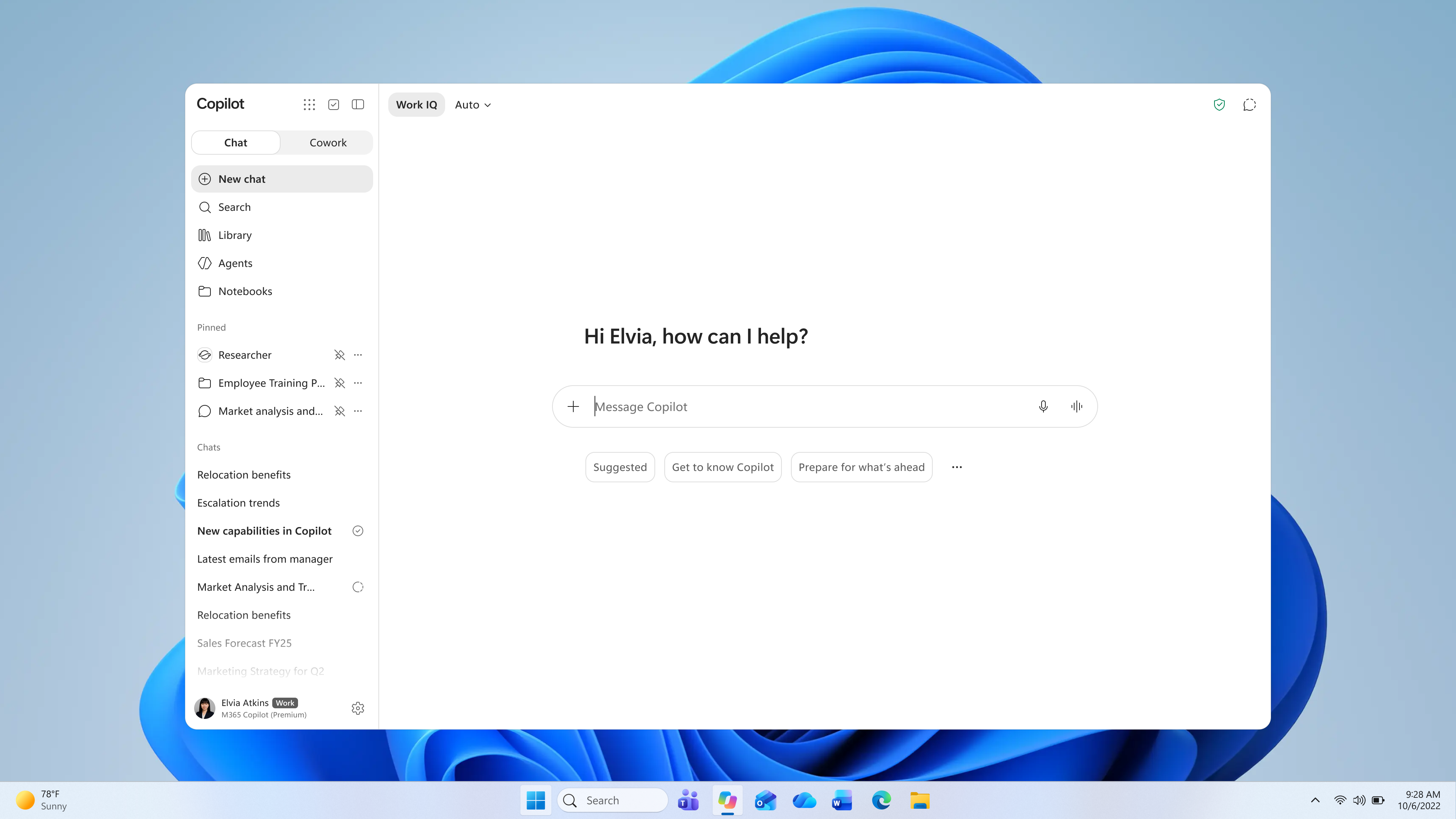
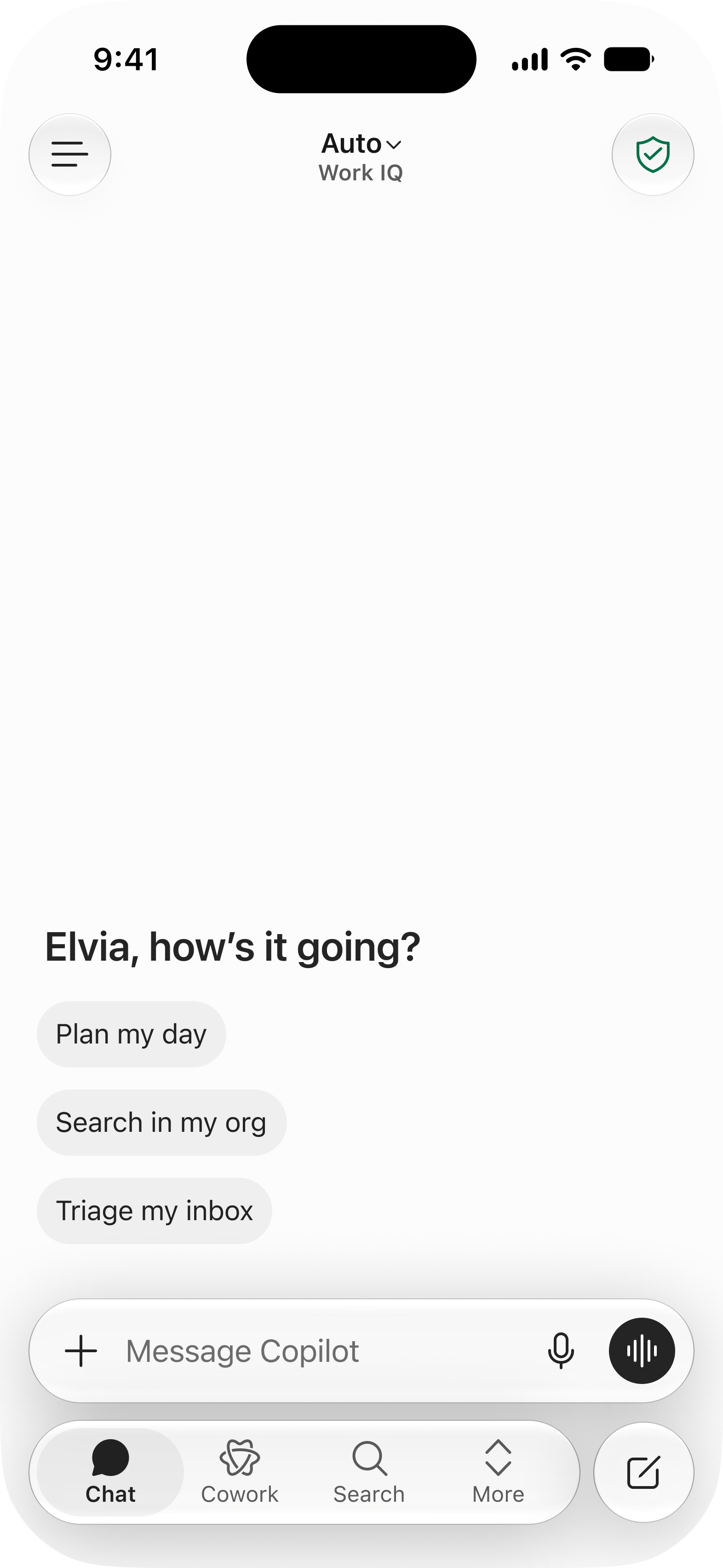
- Users will see updated visual cues in the app that help identify whether they are in the Microsoft Entra ID (work or school) experience or the Microsoft account (personal) experience. These include a different background color for each account type and “Work” label under the user profile in the navigation pane (available in the web and desktop apps). Note: users will continue to see existing visual cues like the green data protection shield in their Microsoft Entra ID experience.
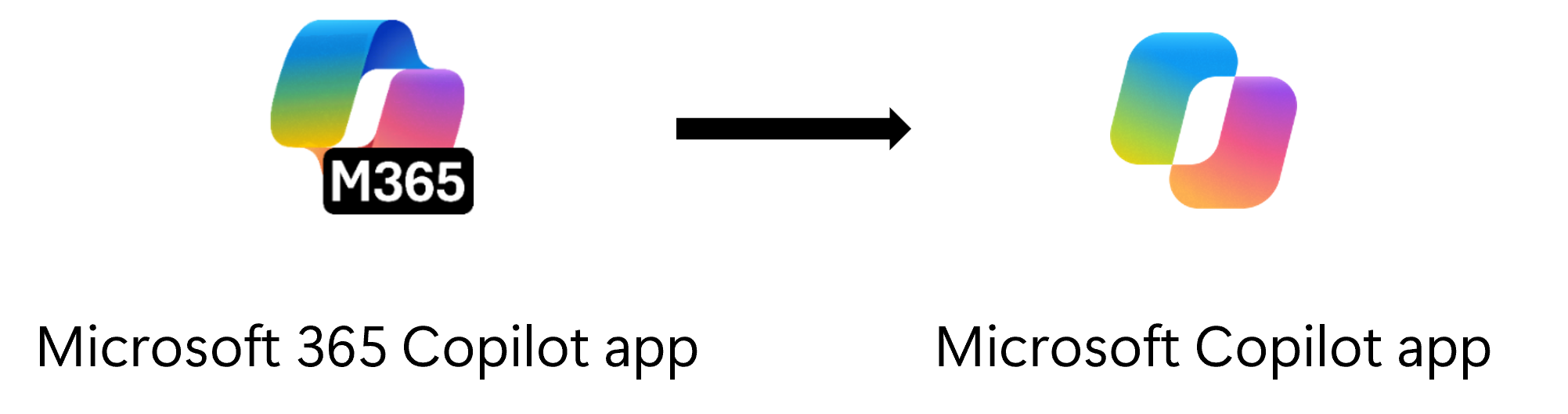
- The Microsoft 365 Copilot app will adopt a simpler name ("Microsoft Copilot app") and icon.
- If using the web app, the browser URL will transition from m365.cloud.microsoft to copilot.cloud.microsoft, and users will be automatically redirected.
- The Windows and Mac desktop apps will receive an updated architecture, which will support future enhancements in the app.
Additionally, if your organization allows users to log into the app with their Microsoft accounts (personal), the following change will be relevant:
- Users can sign into the app with their Apple or Google credentials to access their Microsoft account (personal).
[Action Required/Recommendations:]
We recommend that administrators:
- If you would like to test the updated Windows and Mac apps before their general availability in September, you will be able to deploy the updated desktop app to a test group of devices in your organization. We will share opt-in instructions later this month when available. Note: Early access through opt-in is not available for organizations in special cloud environments. We will provide an update when early access becomes available for these environments.
- If you applied a group policy that filters the former Microsoft Copilot app from being saved in snapshots for Recall, this policy will not automatically carry over to the new Microsoft Copilot app. Review instructions here to set up Recall filters for the new Microsoft Copilot app.
- When available later this month, consider adding a branded footer in the Microsoft Copilot app to help users more easily recognize when they are signed in with their work or school account. The branded footer is only displayed in the Microsoft Entra ID (work or school) experience. Review MC1238432 for updated rollout timing and setup instructions for this feature.
- Inform users that they may begin seeing updated Microsoft Copilot URL, app name, and icon beginning mid-August, 2026.
- Review and update internal user communications, training, and help materials that reference the Microsoft 365 Copilot app name and icon or m365.cloud.microsoft URL.
Please note that the following experiences in the app will not change:
- The Web URL change of the enterprise Copilot experience from m365.cloud.microsoft to copilot.cloud.microsoft remains under the *.cloud.microsoft domain continuing to inherit its security, compliance and enterprise allow-listing properties. Customers who followed recommended network configurations for Microsoft 365 Copilot do not need to make additional network changes.
- Admins can continue to limit Microsoft account (personal) access to the Copilot app using Tenant Restrictions.
- Users will continue to switch between their Microsoft account (personal) and Microsoft Entra ID (work or school) accounts using the account switcher in the navigation pane, like today's experience.
- Application ID is not changing. Existing policies will continue to function. Learn more.
- No changes to enterprise security, compliance, and government controls. Data entered into the Microsoft account (personal) experience does not flow into the Microsoft Entra ID (work or school) experience, and data entered into the Microsoft Entra ID (work or school) experience does not flow into the Microsoft account (personal) experience.
More information
- learn.microsoft.com/en-us/windows/client-management/manage-recall#app-and-website-filtering-policies
- learn.microsoft.com/en-us/microsoft-365/copilot/microsoft-365-copilot-requirements#network-requirements
- learn.microsoft.com/en-us/entra/external-id/tenant-restrictions-v2#step-2-block-consumer-account-or-microsoft-account-tenants
- learn.microsoft.com/en-us/microsoft-365/copilot/microsoft-365-copilot-app-admin-settings
Details
Platforms
- Web
- Desktop
- Mobile
- Windows
- Mac
Services
- Admin
- M365 Copilot
- Mac
- Windows
Category
- Plan for change
Microsoft tags
- Admin Action
- New Feature
- User Adoption