MC1421920 Surveys agent retirement and transition to Copilot in Microsoft Forms
Primary service: Forms
ChangePilot summary
- Microsoft is retiring the Surveys agent in Microsoft 365 Copilot and moving users to the Copilot-powered survey experience in Microsoft Forms.
- Users who open the Surveys agent will be redirected to Microsoft Forms, while existing survey forms and prior conversation history remain accessible.
- No licensing, permissions, or admin configuration changes are required; the new experience is enabled by default.
- IT should proactively inform users, update internal documentation, and prepare the helpdesk for questions about the redirect and new workflow.
Latest update: Description updated to include - Existing users who have already acquired Surveys Agent are expected to lose access by end of December 2026
What it means for you
What admins need to do
No configuration change is needed, but IT should notify affected users that the Surveys agent is being retired and that survey creation now routes to Microsoft Forms. Update internal how-to articles, quick-start guides, and support scripts to reference Forms instead of the Surveys agent. Brief the helpdesk on the redirect behavior, the location of existing survey content, and the fact that past Copilot conversation history remains available.
Impact on users
Users who try to use the Surveys agent will be redirected to Microsoft Forms instead. They can keep working in the new Forms-based experience, and their existing survey forms and prior Surveys agent conversation history should still be available.
If you miss it
If users are not informed, they may be surprised when the Surveys agent redirects to Microsoft Forms and may open support tickets or assume their survey content was lost. The business impact is mainly confusion and helpdesk demand; there is no expected service outage or compliance issue if no action is taken.
- Admin controls available
- No
History
Recorded changes
- Description updated to include - Existing users who have already acquired Surveys Agent are expected to lose access by end of December 2026
Microsoft message
Updated September 21, 2026: We have updated the timeline. Thank you for your patience.
[What and Why:]
Microsoft is retiring the Surveys agent and transitioning customers to a unified, Copilot-powered experience within Microsoft Forms. This change streamlines form creation, data collection, and analysis into a single, integrated experience—improving productivity and providing more advanced AI-driven capabilities without requiring additional licensing. Users can continue their workflows seamlessly while benefiting from enhanced Copilot features built directly into Forms.
[Rollout Schedule:]
- Retirement completion: Surveys agent is no longer available for new users as of August 31, 2026 (removed from Agent Store)
Existing users who have already acquired Surveys Agent are expected to lose access by end of December 2026
[Impact on Your Organization:]
Who is affected: All users who currently use the Surveys agent in Microsoft 365 Copilot
Platforms/Services:
- Microsoft 365 Copilot
- Microsoft Forms (Web)
What will happen:
- The Surveys agent will be retired and removed from the Agent Store.
- Users will be redirected to Microsoft Forms when accessing Surveys agent.
Screenshot - Survey Agent home screen for existing users
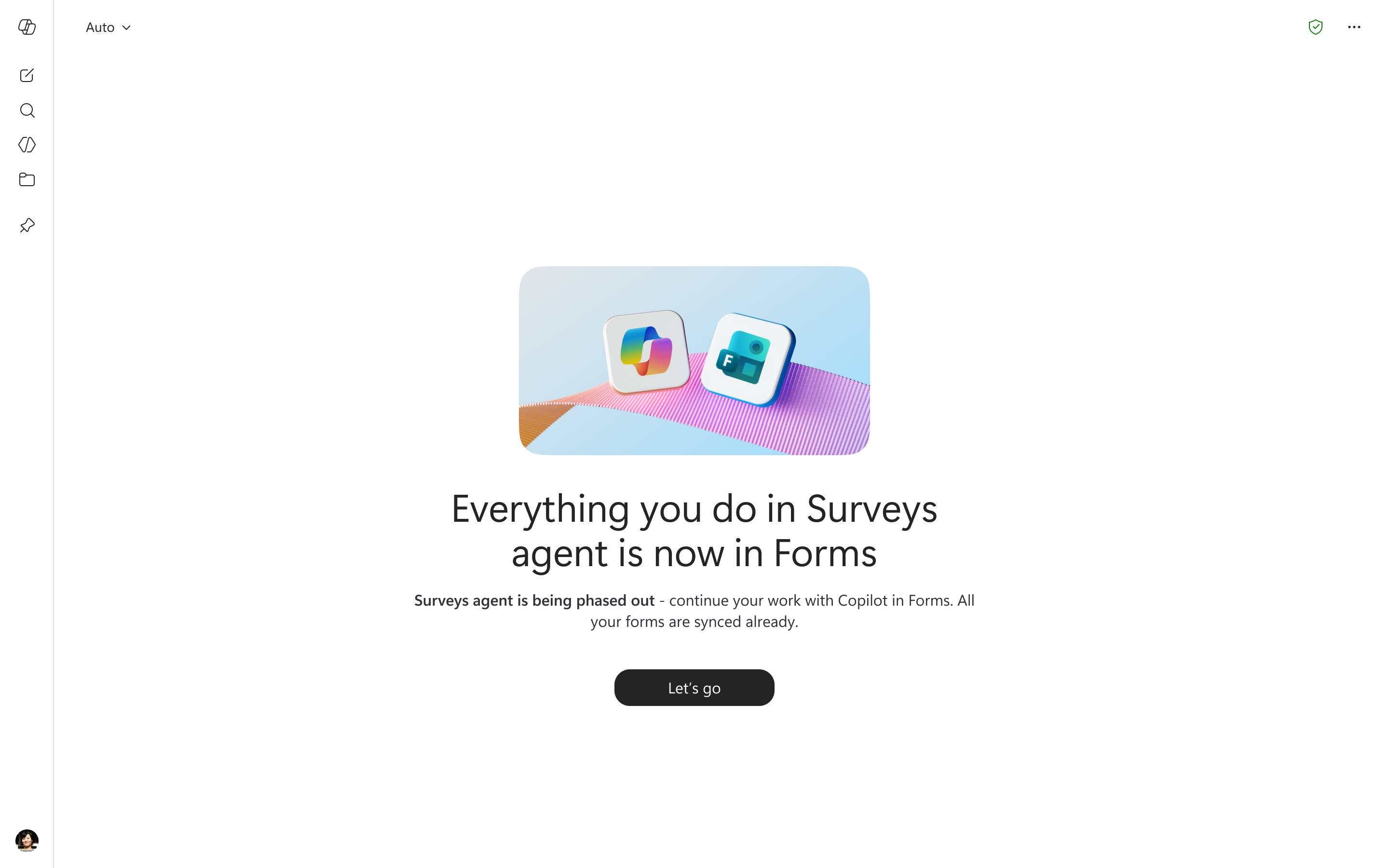
- Copilot capabilities for surveys will continue within Microsoft Forms via the dynamic action button.
- Existing forms created through Surveys agent will remain accessible in Microsoft Forms.
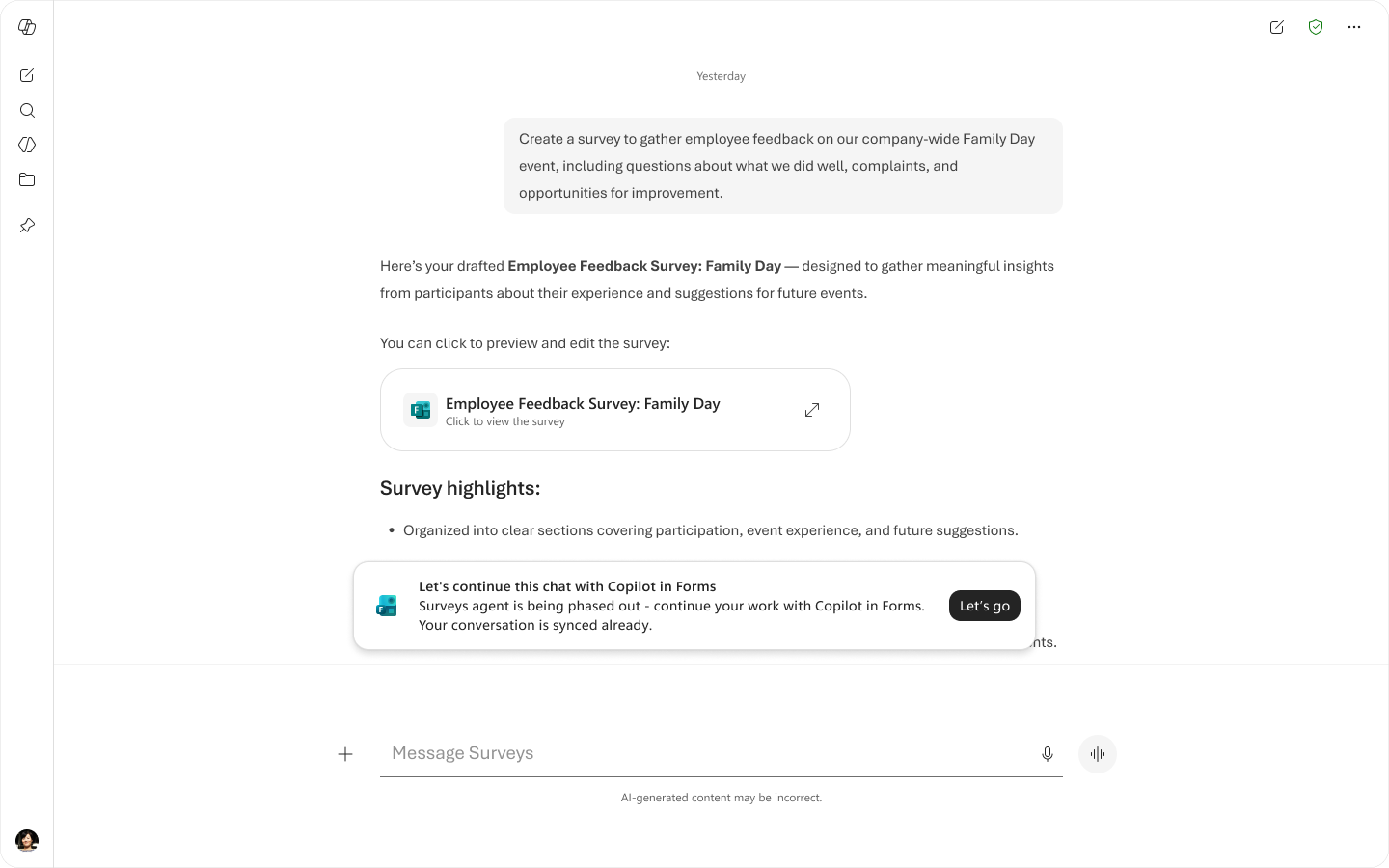
- Users will retain access to their past Surveys agent conversation history in Microsoft 365 Copilot.
Screenshot - Survey Agent chat screen for existing users
- No changes to licensing or permissions are required.
- The new experience is enabled by default; no admin configuration is needed.
[Action Required/Recommendations:]
- No action is required.
- Inform users about the transition to avoid confusion when redirects occur.
- Update internal documentation referencing the Surveys agent.
- Prepare helpdesk teams for potential user questions during the transition period.
Learn more:
- Evolving the Copilot experience in Microsoft Forms
- Message Center post MC1229954
[Compliance considerations:]
No compliance considerations identified, review as appropriate for your organization.
More information
Details
In weekly changes
Platforms
- Web
Services
- Forms
- M365 Copilot
Category
- Plan for change
Microsoft tags
- Admin Action
- Retirement
- User Adoption
Related changes
- MC1229954 Introducing Surveys Agent and Copilot Chat in Microsoft Forms Message Center · M365 Copilot · Admin Low