MC1262590 Planner tab support for Shared and Private Channels in Microsoft Teams
Primary service: Planner
ChangePilot summary
- Microsoft Planner will have integration in Shared and Private channels within Microsoft Teams, allowing planning and tracking work directly in those channels.
- Users can add Planner as a tab and create or add plans specific to those channels.
- No admin configuration is required for this feature, which is enabled by default.
- Planner will inherit channel permissions and comply with Microsoft 365 compliance controls.
- The change applies to Microsoft Teams users and Microsoft 365 administrators managing Teams and Planner.
Latest update: Services change
History
Recorded changes
- The timeline for the rollout of the new feature was updated from "late July 2026" to "late August 2026".
- The timeline for the rollout of the new feature was updated from "late July 2026" to "late August 2026".
- The timetable for the rollout of the Microsoft Planner integration feature has been updated. The rollout now begins in late July 2026 and is expected to complete by the end of July 2026, instead of mid May to late May 2026.
Microsoft message
Updated July 20, 2026: We have updated the timeline. Thank you for your patience.
[Introduction]
We are expanding Microsoft Planner integration in Microsoft Teams by enabling Planner tabs in Shared and Private channels. This change allows teams to plan and track work directly within the channel where collaboration occurs, including scenarios that require restricted membership or cross-organization collaboration.
Only basic plans are being made available in Shared and Private Channels. Premium capabilities will come at a later date.
This message is associated with Roadmap ID 558928.
[When this will happen:]
General Availability (Worldwide): Rollout begins late August 2026 (previously late July) and is expected to complete by end of August 2026 (previously end of July).
[How this affects your organization:]
Who is affected:
- Microsoft Teams users working in Shared or Private channels
- Microsoft 365 administrators managing Teams and Planner
What will happen:
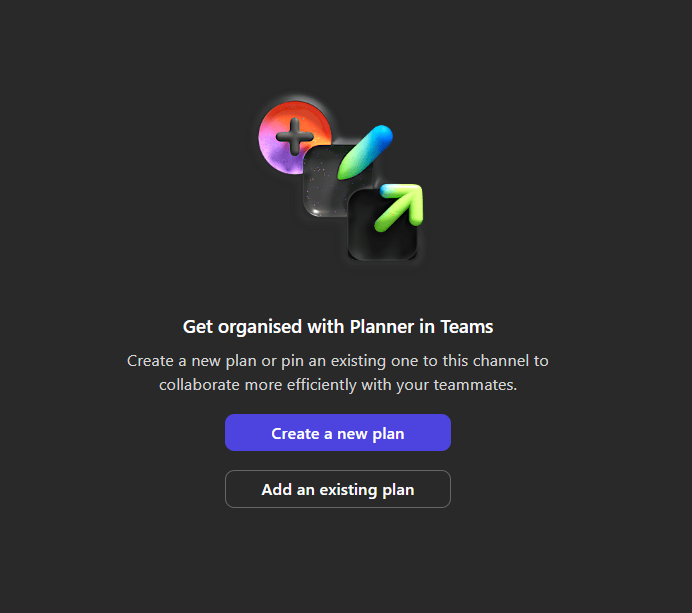
- Users can add Planner as a tab in Shared and Private channels using the + (Add a tab) experience.
- Users can create a new plan for the channel or add an existing plan associated with that channel.
- Planner inherits channel permissions and Microsoft 365 compliance controls.
- Planner plans in shared and private channels will use the channel SharePoint for storage and access. Hence membership will be limited to channel members.
- The feature is enabled by default and requires no admin configuration.
- There is no change to Planner behavior in standard channels.
[What you can do to prepare:]
No admin action is required.
- Update internal Teams and Planner documentation.
- Inform users that Planner is available in Shared and Private channels.
- Review governance policies related to Teams and Planner usage.
[Compliance considerations:]
| Compliance area | Explanation |
| New customer data storage | Users can create new Planner tasks and tasks in Shared and Private channels. This data is stored using the Private or Shared channel SharePoint and follows the compliance policies of the Shared or Private channel. |
| New communication pathways | Users can communicate through Planner tasks and task chats within Shared and Private channels, including Shared channel scenarios. |
| User self-service enablement | Users can add Planner tabs to Shared and Private channels themselves, subject to existing Teams and app policies. |
More information
Details
Platforms
- Desktop
- Mac
- Web
Services
- Planner
- Teams
Category
- Plan for change
Microsoft tags
- New Feature
- User Adoption
- Admin Action
Related changes
- 558928 Microsoft Planner tab support for shared and private channels in Microsoft Teams Roadmap · Teams · Launched